
Guide
JSON vs YAML: differences and when to use each
Compare syntax, types, comments, references, and interoperability to choose JSON or YAML for a specific job.
by Tools in a Tab · Published on · Reviewed on
Short answer
JSON and YAML both serialize data, but they optimize different jobs. JSON has a small, highly interoperable syntax; YAML prioritizes human editing and offers more ways to express structures.
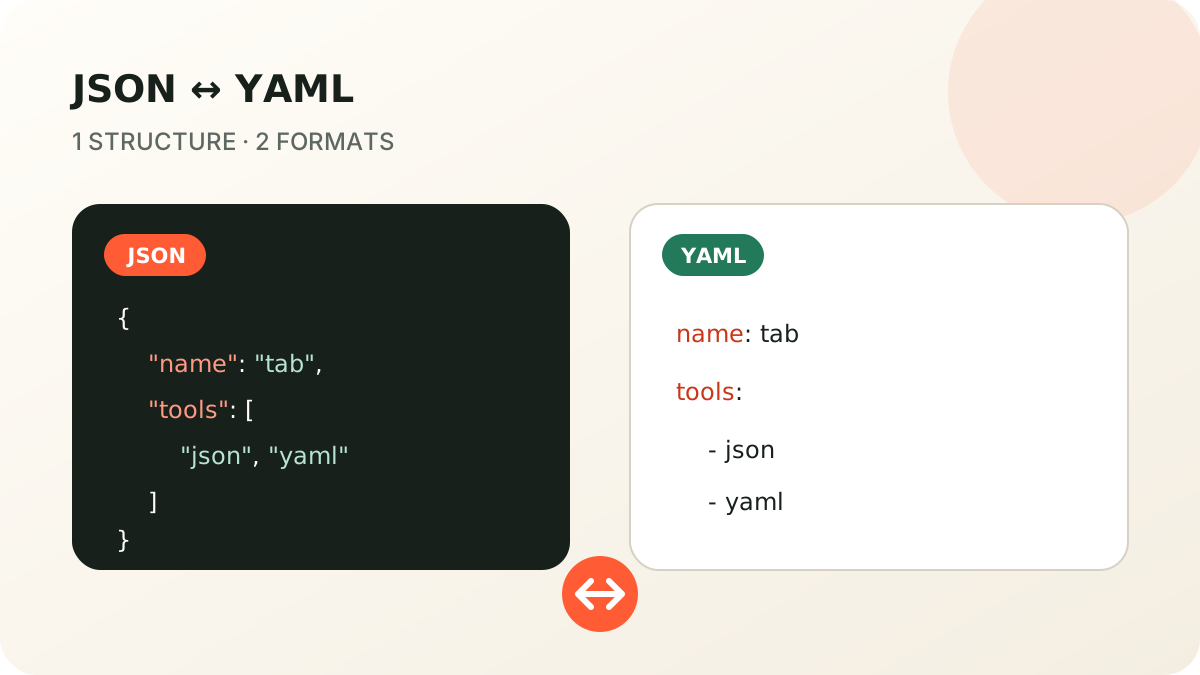
| Aspect | JSON | YAML |
|---|---|---|
| Structure | Braces, brackets, and commas | Indentation or flow style |
| Comments | No | Yes, with # |
| Basic types | object, array, string, number, boolean, null |
mappings, sequences, scalars, and tags |
| References | No | Anchors and aliases |
| Common use | APIs and interchange | Human-edited configuration |
When JSON fits
JSON works well as an application contract, API body, event, or generated file. Its narrow model reduces choices around styles, tags, and references. RFC 8259 defines the grammar and documents interoperability considerations.
Choose JSON when every consumer should understand the same compact data model, comments are not part of the payload, and manual editing is secondary.
When YAML fits
YAML is convenient for configuration maintained by people: it avoids many braces, supports comments, and has multiline scalar styles. That expressiveness also means you must know which YAML version, schema, and features each parser accepts.
The YAML 1.2.2 specification describes mappings, sequences, scalars, tags, anchors, and presentation styles. A file accepted by one parser is not automatically accepted by every application.
Can every document be converted?
Mappings with string keys, arrays, and JSON-compatible scalar values convert cleanly. Comments, anchors, aliases, tags, complex keys, and multiple YAML documents have no direct JSON representation.
Use JSON to YAML for valid JSON and YAML to JSON for a document inside the supported subset. Review the output instead of assuming a syntax conversion preserves YAML-specific features.
Quick decision
- Public API and system interchange: JSON is usually more predictable.
- Human-edited configuration with comments: YAML can be easier to read.
- References or tags: confirm the exact parser first.
- Data that must move both ways: keep YAML within the JSON-compatible model.